

AI voice and audio tools turn written text into spoken narration, clean up recorded sound, clone a voice, or build a whole podcast from a script. The best-known names in 2026 are ElevenLabs for realistic narration, Murf for studio voiceovers, Speechify for listening, and Descript for editing audio by editing text.
This guide compares the leading AI voice and audio tools by the job they do, with typical prices and free tiers checked in November 2026. It is a documentation-based comparison built from vendor pages and independent roundups, not a hands-on listening test. If your project also needs moving pictures, start with our guide to the best AI video generators, since voice and video are usually bought together.
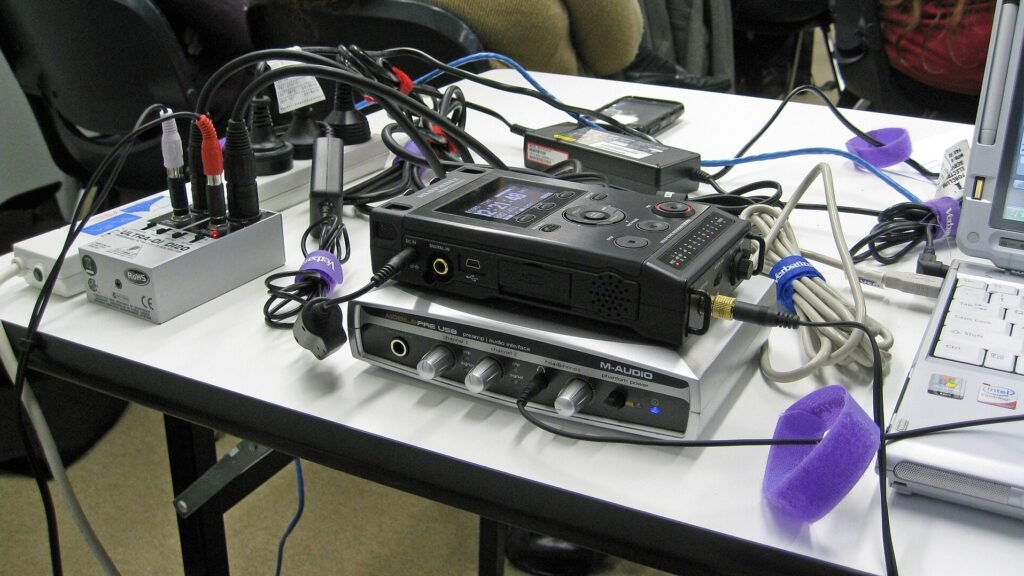
A podcast microphone in a studio. AI voice tools now handle the narration, editing, and cleanup that used to need a recording session. Photo: Wikimedia Commons.
What Are AI Voice and Audio Tools?
AI voice and audio tools use machine learning to create or improve sound. The category covers five different jobs, and most tools are strong at one or two of them.
Text-to-speech turns a script into spoken audio in a chosen voice. Voice cloning copies a real voice from a short recording so it can read new scripts. Audio enhancement removes background noise, echo, and filler words from a recording. Podcast tools record, edit, and publish episodes, often by editing a transcript instead of a waveform. Transcription turns speech into text, which is the raw material for captions, show notes, and search.
Pick the job first. A tool built for audiobook narration will frustrate a podcaster who records real guests, and a podcast editor will not give a YouTuber the most realistic voiceover. The sections below follow the job, not the brand.
AI Voice and Audio Tools at a Glance
| Tool | Best for | Free option | Typical starting price |
|---|---|---|---|
| ElevenLabs | Realistic narration and cloning | Yes, about 10,000 credits a month | From about $6/month |
| Murf | Business and training voiceovers | Yes, to try voices | From about $19/month |
| Speechify | Listening to documents aloud | Yes | From about $139/year |
| WellSaid | Polished professional narration | Yes, limited minutes | From about $10/month |
| Descript | Editing audio by editing text | Yes, limited AI speech | From about $16/month |
| Podcastle (now Async) | Recording and editing podcasts | Yes, limited credits | From about $12–20/month |
| Wondercraft | Turning text into podcasts | Limited free credits | From about $25/month |
| Adobe Podcast | Cleaning up recorded speech | Free trial | From about $10/month |
| Resemble AI | Voice cloning | Free trial | Pay per second of audio |
| LOVO | Creator voiceovers | Yes | From about $24/month |
| PlayHT | Long-form narration | Yes, limited | From about $31/month |
| Fliki | Narrated videos from scripts | Yes, limited minutes | From about $21/month |
Prices are typical ranges checked in November 2026 from vendor pricing pages and independent roundups. Credit allowances, voice counts, and commercial-use terms change often, so confirm the live price and licence before you publish anything that earns money.
ElevenLabs: Best Overall for Realistic Voices
ElevenLabs is the most realistic AI voice tool most people can buy in 2026, and it is the default pick for YouTube narration, audiobooks, and dubbing. Its newest model, Eleven v4, lists more than 90 languages, and the voice library runs to more than 17,500 voices. It also offers instant voice cloning from the Starter plan and professional cloning on higher plans, plus dubbing that keeps the speaker’s voice in another language.
The free plan gives about 10,000 credits a month, roughly 10 minutes of audio, without commercial rights. The Starter plan starts at about $6 a month and adds a commercial licence and instant cloning. Creator is about $22 a month and Pro about $99 a month, with larger credit allowances. One credit equals roughly one character of text-to-speech, so long projects burn credits fast.
ElevenLabs also covers sound effects and music from the same account, which makes it a one-stop shop for a faceless channel. The trade-off is cost control: a creator who publishes daily needs to watch the credit meter, and the best voices sit behind paid plans. For expressive narration where the voice carries the video, it is the strongest starting point.
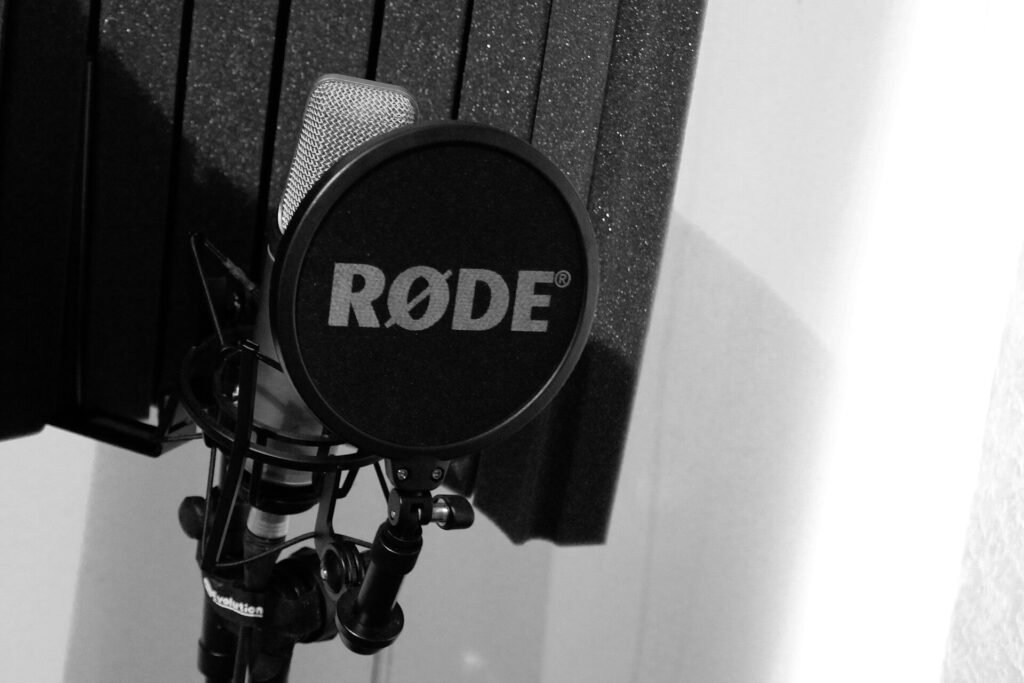
A condenser microphone with a pop filter. AI voices are judged on the same things as a human recording: clarity, pacing, and natural pauses. Photo: Wikimedia Commons.
Murf: Best for Business and Training Voiceovers
Murf is a voiceover studio rather than a raw voice engine. You paste a script, pick from more than 200 voices in over 35 languages, and adjust pitch, speed, emphasis, and pauses line by line. It syncs the voice to slides or video, which suits training courses, product walkthroughs, and slide-based explainers where timing matters more than drama.
The Creator plan starts at about $19 a month billed annually, with a Business plan above it. A free option lets you try voices before paying. Murf also integrates with Canva, and Business plans add PowerPoint and Google Slides support.
Choose Murf when the voiceover must land on exact slide timings or match a corporate style guide. Choose ElevenLabs when the narration itself is the performance. Both are strong, and the difference is control versus expressiveness.
Speechify: Best for Listening Instead of Reading
Speechify is a reader, not a production tool. It reads PDFs, documents, web pages, and camera scans aloud on phone, computer, and browser, at up to five times speed on Premium. It suits students, researchers, and anyone who gets through long documents faster by listening.
Speechify Studio adds a production layer with more than 1,000 voices and pitch, speed, emotion, and pronunciation controls, but the core product is built for listening. Pricing for the reader is about $139 a year, and the Studio starts at about $100 a year. If your job is to produce a voiceover for publication, ElevenLabs or Murf fit better. If your job is to get through a stack of reading, Speechify is the pick.
WellSaid: Best for Polished Professional Narration
WellSaid focuses on clean, professional narration with word-by-word control over pronunciation, pitch, tone, and emotion. It suits e-learning teams, corporate training, and publishers who need consistent, broadcast-quality reads without hiring a voice actor for every update.
The Starter plan starts at about $10 a month billed annually, with a free option offering a few download minutes a month without commercial rights. Its voice library is smaller than ElevenLabs, and its self-serve plans cover English only, so multilingual projects need another tool. For a team that values precision and a consistent house style, it is a strong choice.
Descript: Best for Editing Audio Like a Document
Descript turns audio and video editing into text editing. It transcribes your recording, and you cut, rearrange, or rewrite by editing the transcript. It removes filler words, cleans up background noise with Studio Sound, and generates AI speech in stock voices that sits in the same timeline as your real recording.
That makes it the best AI voice tool for people who record real voices and need to fix them, rather than replace them. Podcasters, course makers, and video editors get a single workflow for recording, transcription, editing, captions, and voiceover. The free plan includes limited AI speech, and the Hobbyist plan starts at about $16 a month billed annually.
Descript is also the bridge to video: the same transcript edit can cut a video clip, add captions, and publish. If your project is a finished episode rather than a single voice clip, start here.
AI Tools for Podcast Creation
Podcast AI tools split into two groups: tools that make a podcast from text, and tools that help you record and edit a real show. Wondercraft leads the first group. It turns text into podcasts and audio series, with an AI agent that writes a script, casts voices, and builds a first production. Its Convo Mode makes editable two-host conversations, and episodes can go straight to an RSS feed. Plans start at about $25 a month, with limited free credits.
Podcastle, now called Async, leads the second group for many creators. It combines remote recording, chat-based editing, audio cleanup, text-to-speech, voice cloning, and AI dubbing, plus a Voice API for developers. Its paid plans start at about $12 a month billed annually, with a free plan offering a small number of AI credits. Listnr is a simpler alternative for podcast publishing and blog-to-voice workflows, with plans from about $19 a month.
When comparing AI-powered podcast editing tools with traditional DAWs, the difference is the unit of work. A DAW edits a waveform; an AI podcast editor edits a transcript and a chat log. The transcript route is faster for cutting ums, rearranging answers, and pulling clips, but a DAW still gives finer control over music, mixing, and effects. Many shows use both: Descript or Podcastle for the edit, then a DAW for the final mix.

A mixing console. AI podcast editors replace the waveform with a transcript, which is faster for cutting speech but weaker for music and final mixing. Photo: Wikimedia Commons.
AI Voice Cloning Tools
Voice cloning copies a voice from a sample recording and then reads any new script in that voice. ElevenLabs offers the most accessible cloning, with instant cloning from its Starter plan and professional cloning on Creator and above. Resemble AI is built around cloning and dubbing, with pricing per second of generated audio and a speech-to-speech engine that converts one voice into another in real time.
Cloning raises consent and safety questions that a buyer should settle before recording anyone. ElevenLabs only allows professional clones of your own voice, and other providers require a recorded consent statement. In the United States, the NO FAKES Act cleared the Senate Judiciary Committee in June 2026, which signals tighter rules on unauthorised voice replicas. Clone your own voice, or a voice you have written permission to use, and keep that permission on file.
Cloning is worth it when one voice must read many scripts: a course series, a product changelog, or a channel that publishes daily. It is not worth it for a single video, where a stock voice is faster and cheaper.
AI Audio Enhancement Tools
Audio enhancement tools fix recordings that were made in imperfect rooms. Adobe Podcast Enhance is the best-known option: it removes background noise and echo from speech, with a free trial and a Premium plan at about $10 a month. Descript’s Studio Sound does similar cleanup inside the editor, and Podcastle includes cleanup in its recording workflow.
These tools matter most for remote interviews, phone recordings, and home studios. They cannot fix a recording that is badly distorted or clipped, and heavy cleanup can make a voice sound thin, so record as cleanly as you can and treat enhancement as a repair, not a rescue. For a show that records guests over the internet, enhancement is the cheapest quality upgrade available.

A recording studio. Enhancement tools clean up home recordings, but they work best on audio that was recorded cleanly in the first place. Photo: Wikimedia Commons.
AI Audio Transcription Tools
Transcription is the quiet workhorse of the category. Descript, Podcastle, and Adobe Podcast all transcribe as part of editing, and standalone transcription services turn interviews into searchable text for show notes, captions, and quotes. Accurate transcripts also feed AI search: a podcast episode with a full transcript can be quoted and cited, while an audio-only episode cannot.
When choosing, check accuracy on your accent and subject matter, speaker labelling for multi-person recordings, and export formats. A transcript that exports cleanly to your publishing workflow is worth more than a slightly cheaper one that does not.
Best AI Voiceover Tools for YouTube
For YouTube, the choice comes down to realism versus production control. ElevenLabs gives the most natural narration, which matters for retention on storytelling, documentary, and explainer channels. Murf adds a timeline and video sync, which matters for slide-based and training videos. Fliki turns a script, blog post, or slides into a narrated video with more than 1,000 voices in over 80 languages, and it works as a plain text-to-speech tool too.
Two licence rules catch beginners out. First, free plans from ElevenLabs, WellSaid, and Speechify Studio exclude commercial use, so a monetised channel needs a paid plan. Second, a voice that sounds fine in a demo may mispronounce your product names, so generate a short sample with your actual script before subscribing. The best free AI voiceover tools for YouTube in 2026 are the free tiers of ElevenLabs and Murf for trying voices, plus TTSMaker, which offers a fully free plan with more than 600 voices and commercial use.
Best AI Voice Tools for Videos, Restaurants, and Dealerships
The best AI voiceover tools for videos in 2026 follow the same split: ElevenLabs for expressive narration, Murf for controlled corporate reads, and Fliki when the voice must arrive with the video attached. For YouTube specifically, the easiest keyword to win is the free tier: start free, publish a few videos, and upgrade only when the channel earns.
Voice AI also shows up in operational roles. Restaurants use AI voice tools for phone answering, reservations, and order taking, where a natural voice and reliable call handling matter more than studio quality. Car dealerships use them for lead follow-up calls and appointment booking. In both cases the buyer should check call quality, integration with the booking system, and how the tool hands a tricky caller to a human. A voice agent that cannot escalate cleanly will cost more goodwill than it saves in labour.
AI Voice Tools for Niche Jobs
A few mapped use cases deserve a short note rather than a full section. AI speech capture tools for hospice documentation record and transcribe clinical conversations so carers spend less time typing notes; buyers in healthcare should check privacy, consent, and record-keeping rules before adopting one. AI tools for customising brand voice templates help a team keep one tone across scripts, ads, and support replies, and they pair well with a voiceover tool rather than replacing it. AI share-of-voice monitoring tools track how often a brand is mentioned in AI answers and search results; that job belongs with visibility tracking, which our guide to the best AI visibility tools covers in depth.
Language coverage is another niche that matters. Tamil actor voice-over AI tools are searched by creators who want a familiar film voice for Tamil narration, but cloning a named actor without permission is exactly the misuse the consent rules above are written for. Use a licensed Tamil voice from a stock library, or a voice actor’s own authorised clone, and keep the permission in writing.
Best AI Music Generators
Music is the other half of audio, and it has its own planned page. Our guide to the best AI music generators covers tools that compose background tracks, jingles, and sound beds for video and podcasts, including licensing terms that matter when a video is monetised. A voiceover tool and a music tool are usually bought together, so read that guide before you finalise a stack.
How to Choose an AI Voice or Audio Tool
- Most realistic narration: ElevenLabs.
- Controlled business voiceovers: Murf or WellSaid.
- Listening to documents: Speechify.
- Editing a real recording: Descript.
- Recording and editing a podcast: Podcastle (Async) or Descript.
- Making a podcast from text: Wondercraft.
- Cleaning up noisy speech: Adobe Podcast Enhance.
- Cloning a voice: ElevenLabs or Resemble AI.
- Narrated videos from a script: Fliki.
- Trying AI voice for free: ElevenLabs free tier or TTSMaker.
Before you pay, generate the same 30-second script in two tools and listen on headphones. Check pronunciation of your product names, pacing on long sentences, and whether the free plan’s licence covers your use. The differences are audible in a minute, and they will tell you more than any feature table can.

Headphones in a recording studio. Judge voice tools by listening on headphones to your own script, not by listening to a vendor demo. Photo: Wikimedia Commons.
Watch: Best Text to Speech AI in 2026
The video below walks through ElevenLabs step by step, compares it with Google, Microsoft, Amazon, Murf, Speechify, and OpenAI, and plays a real 15-second sample made on Eleven v4. It also covers what a free plan buys and where the commercial licence starts. Note that the video description contains an affiliate link for ElevenLabs.
Video: “Best Text to Speech AI in 2026: ElevenLabs Walkthrough + 15s Voice Test” by an independent creator. Checked live 23 November 2026; duration about 3 minutes. The channel name was not shown in the text fetch.
Frequently Asked Questions
What is the best AI voice tool?
For most people, ElevenLabs is the best AI voice tool for realistic narration and cloning. Murf is the best for controlled business voiceovers, Speechify is the best for listening to documents, and Descript is the best when you need to edit a real recording.
Is there a free AI voiceover tool?
Yes. ElevenLabs has a free plan with about 10,000 credits a month, roughly 10 minutes of audio, but it does not include commercial use. TTSMaker offers a fully free plan with more than 600 voices and commercial use. Murf and WellSaid offer free trials for trying voices.
What is the best AI voice generator for YouTube?
ElevenLabs for realism, or Murf for finished video voiceovers with timeline control. Fliki is the pick when the voice must arrive with the video attached. Check the commercial licence before publishing monetised videos.
Can AI clone my voice?
Yes. ElevenLabs offers instant cloning from its Starter plan and professional cloning on higher plans, and Resemble AI is built around cloning. Only clone your own voice or a voice you have written permission to use.
What is the best AI tool for podcast creation?
Wondercraft is the best for turning text into a podcast, while Podcastle (now Async) and Descript are the best for recording and editing a real show with guests. Descript edits audio by editing the transcript, which is faster for cutting speech.
Do AI voice tools work in other languages?
Yes, with wide variation. ElevenLabs lists more than 90 languages on its newest model, Murf covers more than 35, and Fliki lists more than 80. WellSaid’s self-serve plans are English only. Check your language and accent on a sample before subscribing.
Can AI audio tools remove background noise?
Yes. Adobe Podcast Enhance and Descript’s Studio Sound remove noise and echo from speech, and Podcastle includes cleanup in its recording workflow. They repair imperfect recordings but cannot fix badly distorted audio.
Is AI voiceover legal for commercial use?
It depends on the plan. Free plans from ElevenLabs, WellSaid, and Speechify Studio exclude commercial use, so monetised work needs a paid plan. Cloning a real person’s voice without permission can breach publicity and consent rules.
Sources
9
- Descript. Best AI Voice Generators for 2026. https://www.descript.com/blog/article/best-ai-voice-generator
- Nerdynav. 15 Best AI Voice Generators That Sound Human (2026) + Audio Samples. https://nerdynav.com/best-ai-voice-generators/
- AI Alternative. Best AI Voice Generators in 2026 (Text-to-Speech Compared). https://ai-alternative.com/blog/best-ai-voice-generators
- Layer3Labs. Best AI Voice Generator in 2026: 7 Top Picks Ranked. https://www.layer3labs.io/guides/best-ai-voice-generators
- Toolio. Best AI voice generator in 2026: 9 tools compared. https://toolio.ai/blog/best-ai-voice-generators
- Techtippr. Best AI Voice Generator in 2026. https://techtippr.com/best-ai-voice-generator/
- AI Money Society. Best AI Voice Generators for YouTube (2026): ElevenLabs vs Murf. https://aimoneysociety.com/best-ai-voice-generators-youtube/
- Dev.to. ElevenLabs vs Murf AI: Best AI Voice Generator 2026. https://dev.to/techfind777/elevenlabs-vs-murf-ai-best-ai-voice-generator-2026-35ln
- Dev.to. 7 Best AI Voice Generators in 2026. https://dev.to/puratabla/7-best-ai-voice-generators-in-2026-1bkb