By Tech Success Communications Editorial Team | Checked 23 Nov 2026

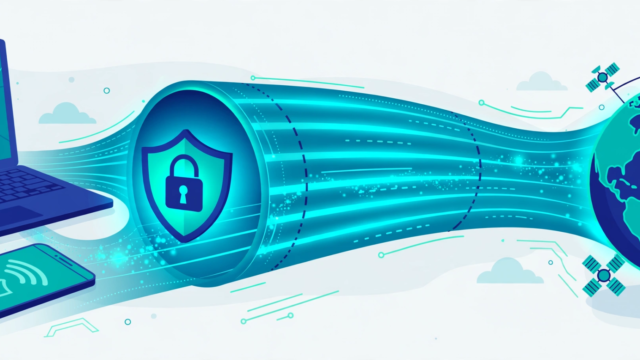
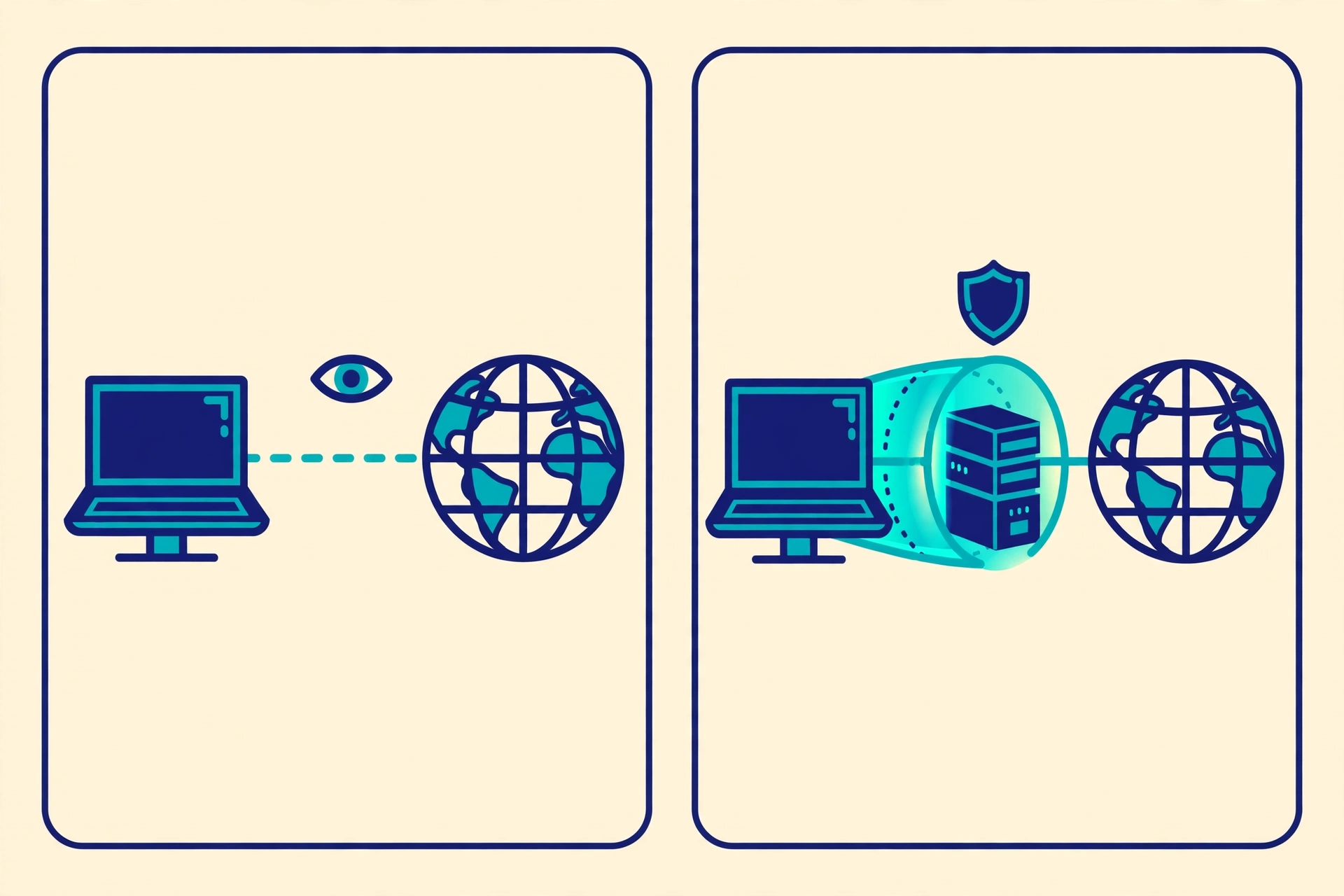
A VPN encrypts everything your device sends online and routes it through a server run by the VPN company. Websites see that server’s IP address instead of yours, and your internet provider sees only encrypted traffic it cannot read. If you want the full background, our guide to what a VPN is explains the idea from the start.
What Does VPN Stand For?
VPN is an acronym for virtual private network. Virtual, because the network exists in software rather than cables. Private, because the traffic inside it is encrypted. Network, because your device joins the VPN company’s network and takes an IP address there.
It Encrypts Your Traffic
Everything you send leaves your device scrambled. Apps built on OpenVPN typically use AES-256 encryption, the standard the US National Institute of Standards and Technology published as FIPS 197. Apps built on WireGuard, the protocol most apps now offer by default, use ChaCha20-Poly1305 instead. Anyone intercepting your traffic gets unreadable data instead of your passwords or browsing.
Encryption covers the stretch between your device and the VPN server. After that, whether the last stretch is encrypted depends on the site itself: most sites now use HTTPS, which encrypts the page content. A VPN hides which sites you visit from your provider and the local network, while HTTPS hides what you do on each site. Most VPN apps also include a kill switch, which cuts your internet if the tunnel drops. Our guide to VPN kill switches explains how it works.
It Hides Your IP Address and Location
Your IP address is the return address on everything you send. It reveals your rough location, often down to the city. A VPN replaces it with the IP address of the server you connect to, so sites, apps, and trackers record the server’s address instead of yours.
That is also how a VPN changes the country websites see. Pick a server in another country, and services treat you as if you are there. People use this to open their home streaming library while traveling, or to sign in to home banking from abroad. Streaming services in particular have become good at spotting VPN traffic, so this does not always work.

It Keeps Your Browsing Away from Your ISP
Your internet provider sits between you and every site you visit. In a 2021 staff report, the US Federal Trade Commission found that the six largest American ISPs collect and share far more data than most people expect, including browsing history and real-time location data, and that some combine it with personal information to target ads.
A VPN breaks that view. With one connected, your provider sees a single encrypted connection to a VPN server and nothing about the sites behind it. The browsing history does not disappear. It moves to the VPN company, which can see the same traffic your provider used to see.
It Protects You on Public Wi-Fi
Cafe, hotel, and airport networks are shared with strangers, and some are barely secured. On an open network, anyone else on it can try to watch unencrypted traffic. A VPN makes that useless: an attacker who intercepts your connection sees only encrypted data.
There is a limit to how much this matters now. Most web traffic is already encrypted with HTTPS, so the content of your browsing is protected on public Wi-Fi even without a VPN. What a VPN still hides on a shared network is the metadata: which sites you visit and when.

What You Can Do With a VPN
So what does a VPN do for you day to day? It depends on where you are and what you are doing.
Watch home services while traveling. Connect to a server back home to open your usual streaming library or bank sign-in from abroad. Some services block VPN traffic.
Keep torrent traffic private. A VPN keeps your IP address out of the swarm: other peers see the VPN server’s address instead.
Work from anywhere. Businesses have used VPNs for decades to let staff reach office systems from home or on the road.
Get around blocks. School, office, and national filters work by destination, and with a VPN, the only destination the network sees is the VPN server. This also helps where access to parts of the internet is restricted, though some countries restrict VPNs themselves.
What a VPN Does on Your Phone
A VPN on your phone does the same job as on a computer: it encrypts all of the phone’s internet traffic and hides its IP address. It works over Wi-Fi and mobile data, and it covers every app, not just the browser. The app runs in the background, and your phone shows a small VPN icon in the status bar while it is active.
A VPN uses a little more mobile data and battery, because it encrypts every packet and keeps a connection alive. Some apps offer an always-on option, which reconnects automatically whenever the phone joins a network, which is also why a VPN sometimes seems to turn itself back on.

What a VPN Does Not Do
A VPN is a narrow tool, and the ads for it often promise more than it delivers. So do VPNs really work? For encryption, hiding your IP, and keeping your browsing from your provider, yes. For total anonymity, virus protection, and ad blocking, no.
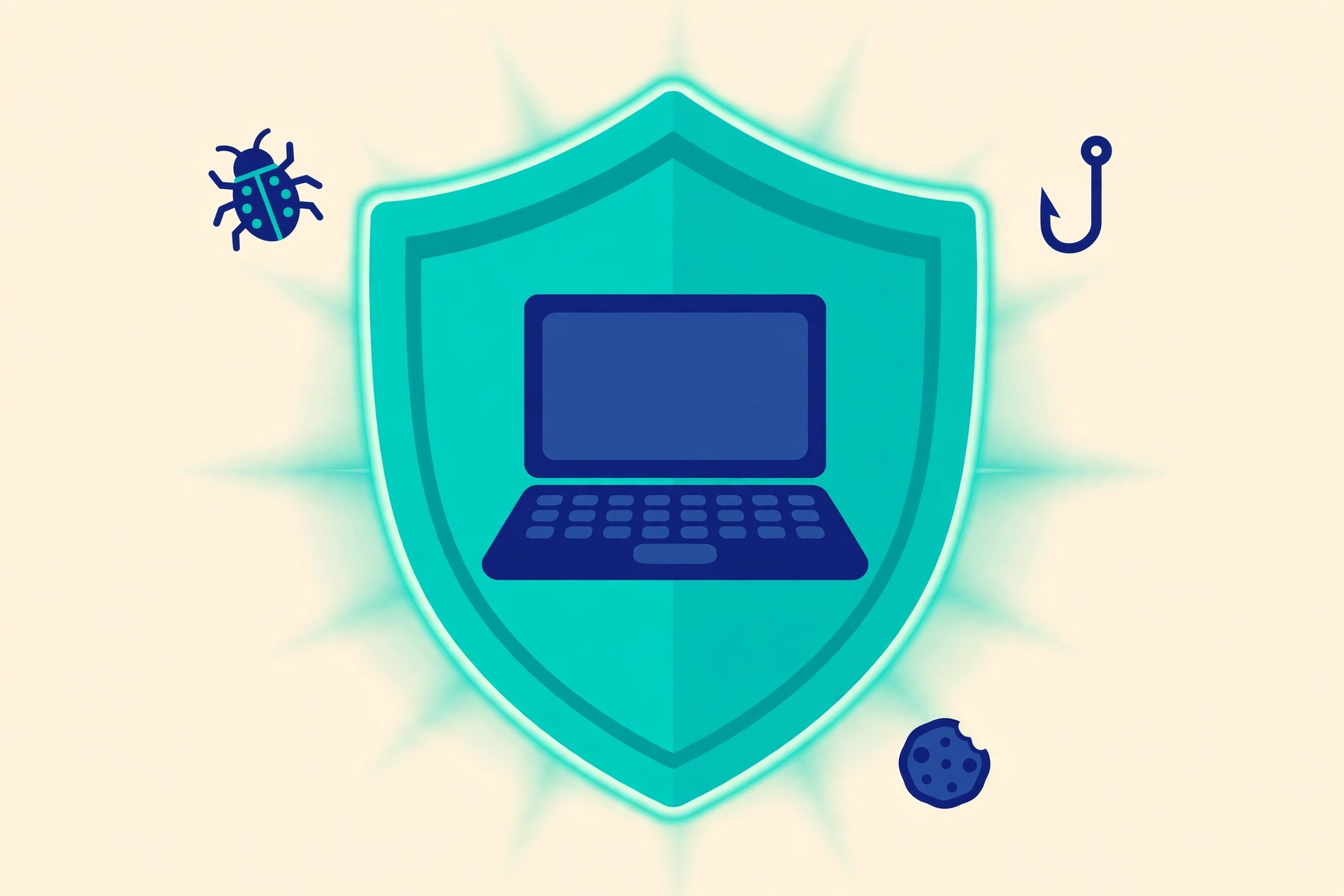
It does not make you anonymous. Signing in to an account identifies you no matter what your IP address is. Cookies and browser fingerprinting keep working.
It does not stop viruses or malware. Encryption protects data in transit. It does not scan downloads or clean an infected computer. Some paid VPNs filter known malicious domains, which helps at the edges, but that is an extra layer, not antivirus.
It does not block ads by itself. A plain VPN connection does not remove ads. Some paid VPNs add DNS-level ad and tracker blocking, which works across the whole device.
It does not stop phishing. A VPN cannot tell a fake login page from a real one, and it cannot protect you if you hand your password to a scammer. Strong passwords, two-factor authentication, and software updates protect you more.
It does not hide your activity from the VPN company. You move your trust from your internet provider to the VPN provider. CISA’s mobile guidance, written for highly targeted individuals such as senior government officials, advises against personal VPNs: “Personal VPNs simply shift residual risks from your internet service provider (ISP) to the VPN provider, often increasing the attack surface.”
Does a VPN Make Your Internet Faster?
Usually it makes it a little slower. Encryption adds work to every packet, and your traffic takes a detour through the VPN server. On a nearby server, the difference is hard to notice. In Gizmodo’s November 2026 NordVPN review, run from Europe on a 190 Mbps connection, NordVPN kept 97 percent of the speed on a UK server, 95 percent on a US server, and 84 percent on a server in Japan. Distant servers also add delay, which shows up in video calls and games more than in video playback.
There is one exception. If your provider slows down specific services, such as streaming or gaming, a VPN can get around that slowdown, because the provider can no longer tell which service you are using. It still cannot go faster than your line’s top speed.

How Much Does a VPN Cost?
Free plans exist, and paid plans usually cost a few dollars a month on longer plans: Gizmodo’s NordVPN review lists about $3.50 a month on a two-year Basic plan. Our guide to how much a VPN costs covers free plans, paid plans, and what to watch for in detail.
Be careful with free VPNs from companies you have never heard of. If it does not charge you, ask how it stays in business: some sell browsing data, show ads, or bundle malware. A 2026 study of 281 popular free Android VPN apps found 29 leaked traffic outside the tunnel and more than 80 percent contacted known advertising or tracking servers.
Does a VPN Use More Data or Battery?
Yes, a little of both. Every packet gets wrapped in extra encryption and routing headers, and that wrapping takes up space. VPNs typically increase data use by 5 to 15 percent, according to Security.org’s testing, updated in September 2026. WireGuard, the protocol most apps now offer, adds around 2 to 4 percent. Our VPN protocols compared guide explains the difference.
Battery use rises for the same reason: a VPN typically increases battery consumption by 10 to 20 percent, because the phone keeps encrypting traffic and holding the connection open. WireGuard is more battery-efficient than older protocols.
To keep the cost down, pick a nearby server, use WireGuard, and turn the VPN off when you do not need it. Avoid obfuscated servers unless you need them: they use 15 to 25 percent more data than a standard connection. A VPN cannot get around a data cap: your carrier counts all data, encrypted or not.
Related reading: How does a VPN work? Our guide walks through the three steps behind the tunnel.
Frequently Asked Questions
Does a VPN protect you from hackers?
From snoopers on your network and your provider, yes. It does not protect you from phishing, malicious downloads, or a hacked account. Those need strong passwords, two-factor authentication, and up-to-date software.
Does a VPN protect you from viruses?
Not by itself. Encryption does nothing about infected files. Some paid VPNs filter known malicious domains, such as Proton VPN’s NetShield. Treat that as an extra layer. Antivirus software still does the scanning.
Does a VPN block ads?
Not on its own. Some paid VPNs add DNS-level ad and tracker blocking, which works across the whole device. It is less precise than a browser extension, and it can break some apps or sites.
Why does my VPN keep turning on?
The app’s auto-connect setting or your phone’s always-on option is switched on. Turn off auto-connect inside the VPN app, and check your phone’s VPN settings. Some work or school VPN profiles reconnect by design.
Why does a VPN overheat my phone?
A VPN alone rarely overheats a phone. Encryption keeps the processor working, and a weak mobile signal makes the phone work harder still. If your phone gets hot with the VPN on, check for a weak signal or apps running in the background.
What port does a VPN use?
It depends on the protocol. OpenVPN usually uses UDP port 1194, or TCP port 443 to blend in with regular web traffic. WireGuard uses UDP port 51820. IKEv2 uses UDP port 500 to set up the connection and UDP port 4500 behind a router.
Watch: What a VPN Does, in Plain English
VPN Explained: Do You Really Need One? (Plain English) — Simplex Explains
A four-minute explainer on what a VPN does, what it does not do, and when one is worth having. The channel is not affiliated with any VPN provider, and the video carries no affiliate links. Checked live on 23 Nov 2026.
Sources
- Electronic Frontier Foundation, “Choosing the VPN That’s Right for You” — https://ssd.eff.org/module/choosing-vpn-thats-right-you
- Cloudflare Learning, “What is a VPN?” — https://www.cloudflare.com/en-gb/learning/access-management/what-is-a-vpn/
- US Federal Trade Commission, “A Look At What ISPs Know About You: Examining the Privacy Practices of Six Major Internet Service Providers” (Oct 2021) — https://www.ftc.gov/system/files/documents/reports/look-what-isps-know-about-you-examining-privacy-practices-six-major-internet-service-providers/p195402_isp_6b_staff_report.pdf
- US Cybersecurity and Infrastructure Security Agency, “Mobile Communications Best Practice Guidance” (Dec 2024) — https://www.cisa.gov/sites/default/files/2024-12/guidance-mobile-communications-best-practices.pdf
- US National Institute of Standards and Technology, FIPS 197, “Advanced Encryption Standard (AES)” — https://www.nist.gov/publications/advanced-encryption-standard-aes
- Security.org, “Do VPNs Use Data? VPN Data Consumption & Cellular Usage” (updated Sep 2026) — https://www.security.org/vpn/does-vpn-use-data/
- Gizmodo, “NordVPN Review 2026: Is It Still Worth Paying For?” (Nov 2026) — https://gizmodo.com/best-vpn/nordvpn
- Engadget, “What is a VPN and what can you do with one?” (Nov 2025) — https://www.engadget.com/cybersecurity/vpn/what-is-a-vpn-and-what-can-you-do-with-one-161549146.html
- MVPNalyzer (University of Michigan, University of New Mexico, IIT Delhi), “MVPNalyzer: An Investigative Framework for Auditing the Security & Privacy of Mobile VPNs”, NDSS Symposium 2026 – https://dx.doi.org/10.14722/ndss.2026.231573
- WireGuard, “Protocol & Cryptography” – https://www.wireguard.com/protocol/
- Proton VPN, “Pricing” — https://protonvpn.com/pricing
- NordVPN, “What are VPN ports?” — https://nordvpn.com/blog/what-are-vpn-ports/
Every factual claim on this page was verified against a named source above.